
VetWeb insight
One Veterinary Campaign, Every Channel Working Together
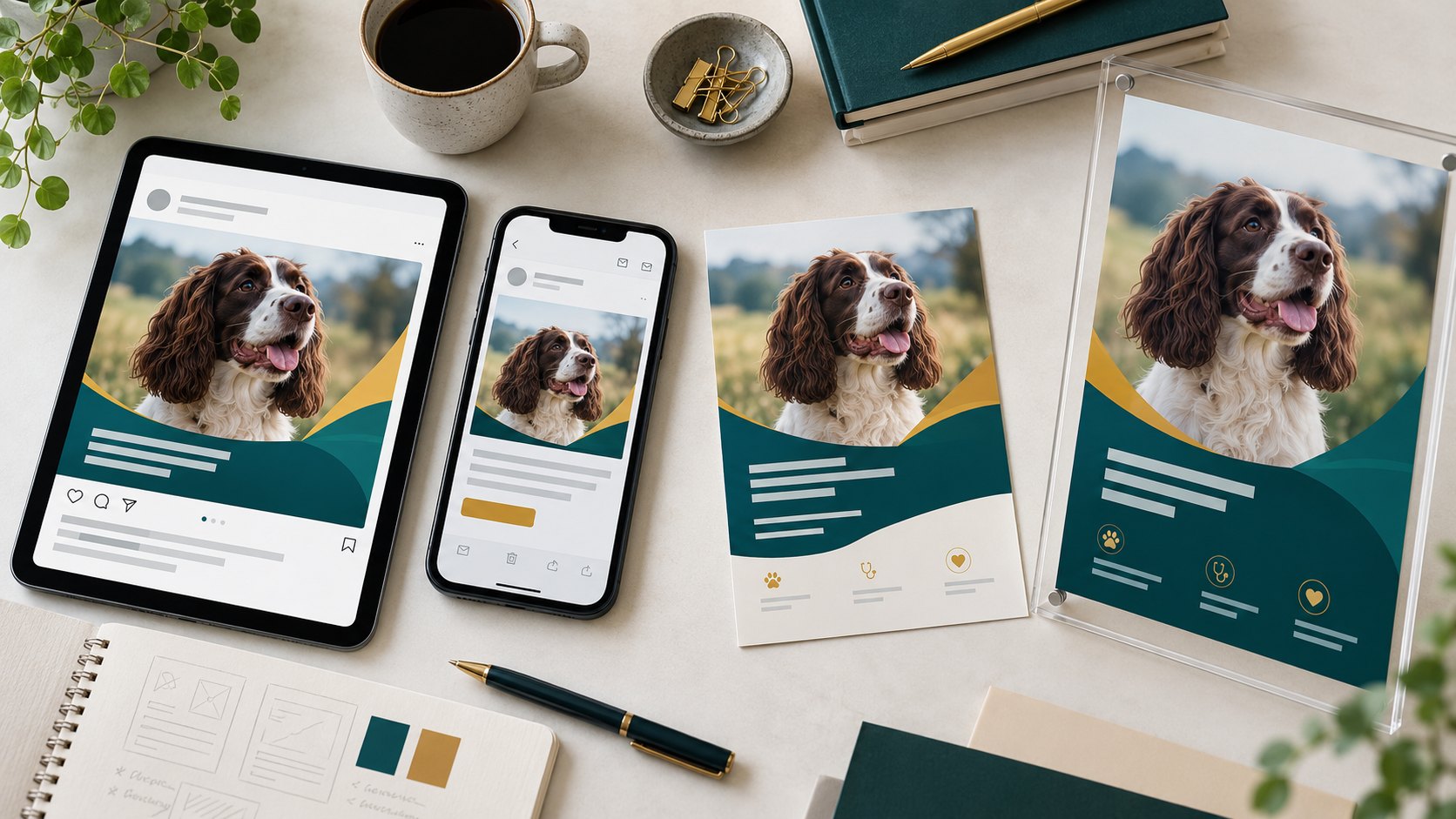
A window poster, a social post and an email can all promote the same service while sending people in different directions. One uses an old description, another links to the homepage, and the reception team has not seen either of them.
A connected campaign starts with an agreed brief. Each channel then has a clear role in helping someone understand the offer and take the next step.
Write the brief before requesting the artwork
Keep the first version to a single page. Define the audience, the question you want to answer, the practice’s reason for communicating now and the action a person should take. Agree how the team will handle that action.
For example, a practice introducing a new consultation service might want suitable existing clients to read a clear explanation and contact reception. That is more useful than a brief that simply asks for “some posts about the new service”. Check that the service, availability and wording are accurate before developing the campaign.
Build a destination that answers the question
The campaign needs somewhere useful to send people. A focused page can explain who the service is for, what a client can expect, any important limitations and how to enquire. It should also make clear whether an online action requests an appointment or confirms one.
Use the same service name in the poster, email and destination page. If the page is not ready, finish it before distributing materials that link to it. A well-designed campaign loses purpose when the next click leaves someone searching through a general menu.
Give each channel a different job
- Window graphics: earn attention with one recognisable message and a readable next step.
- Social content: introduce the question, show a useful detail and direct interested people to the explanation.
- Email: explain why the information is relevant to the intended audience, with an appropriate sending basis and a clear unsubscribe route.
- Reception materials: support a conversation and give clients something useful to take away.
- The website: hold the complete, current information and the main action.
Adapt the content to the format. Shrinking a detailed leaflet into a social image usually makes it hard to read. A short headline can stay consistent while the supporting information changes.
Before sending promotional email, check the intended audience and the practice’s arrangements against the ICO’s electronic mail marketing guidance.
Prepare the people who will receive the enquiries
Give reception the approved explanation, a link to the campaign page and answers to the questions you expect. Confirm who handles enquiries that need a clinical response. Avoid asking the team to improvise answers to eligibility or pricing questions.
Have someone test the whole route: see the post, open the page on a phone, complete the appropriate action and check what happens next. This is also the moment to test a printed QR code at its actual size.
Use a realistic publishing rhythm
A campaign does not need a new idea every day. One useful explanation can become an introduction, a frequently asked question, a look at the experience and a reminder of the next step. Give each item a reason to exist rather than repeating the same sales line.
Allocate time for approval and for the team to respond. If capacity changes, update the destination page and review the scheduled messages together.
Review the journey, not just the individual posts
Look at relevant page visits, suitable enquiries, completed actions and the questions clients ask. More clicks do not necessarily mean the campaign is helping if people arrive confused or contact the wrong team.
VetWeb’s campaign planning connects the audience, message and timing. Our print and display and email marketing services help carry that plan into the places clients actually encounter it.